

Tutorials
Это содержимое пока не доступно на вашем языке.
Step-by-step tutorials that teach Wails concepts by building complete applications. Each tutorial includes working code, explanations, and practical patterns.
QR Code Service
Section titled “QR Code Service”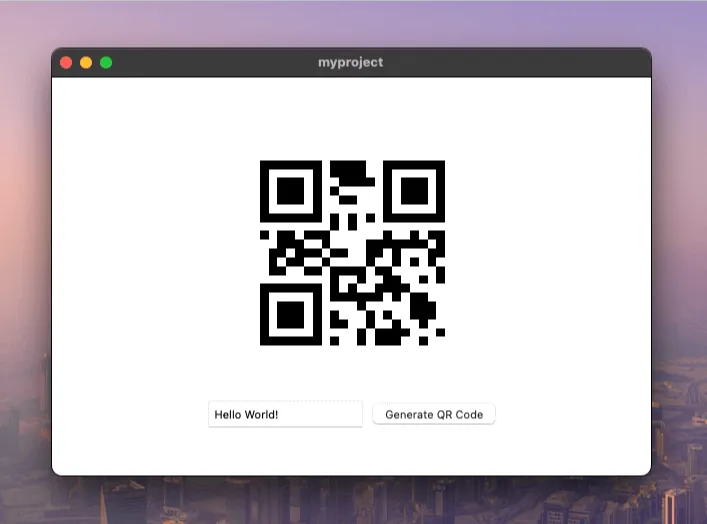
Learn the fundamentals of Wails services by building a QR code generator. This tutorial introduces you to the core concepts of organizing your application logic into reusable services.
What you’ll learn:
- How to create and structure a Wails service
- Managing external Go dependencies
- Binding Go methods to your frontend
- Passing data between Go and JavaScript
- Organizing code for maintainability
Best for: First-time Wails users who want to understand the service architecture
TODO List
Section titled “TODO List”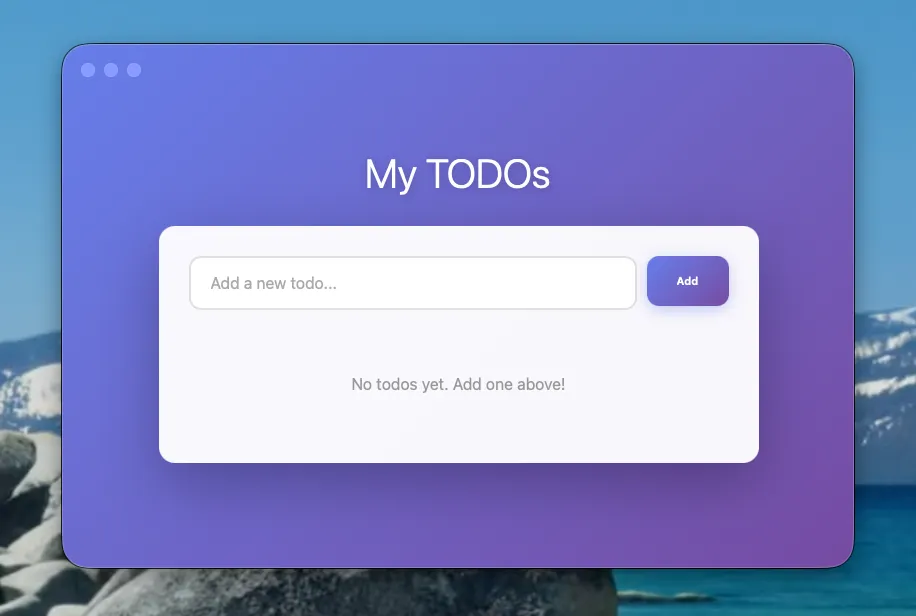
Build a complete TODO list application with a beautiful, modern interface. This hands-on tutorial teaches you core Wails patterns through a practical, real-world application using vanilla JavaScript.
What you’ll learn:
- Service-based architecture with thread-safe state management
- CRUD operations (Create, Read, Update, Delete)
- Type-safe bindings between Go and JavaScript
- Building modern UIs without framework complexity
- Proper error handling and validation patterns
Time to complete: ~20 minutes
Best for: Your first complete Wails application - perfect for understanding the fundamentals before adding framework complexity
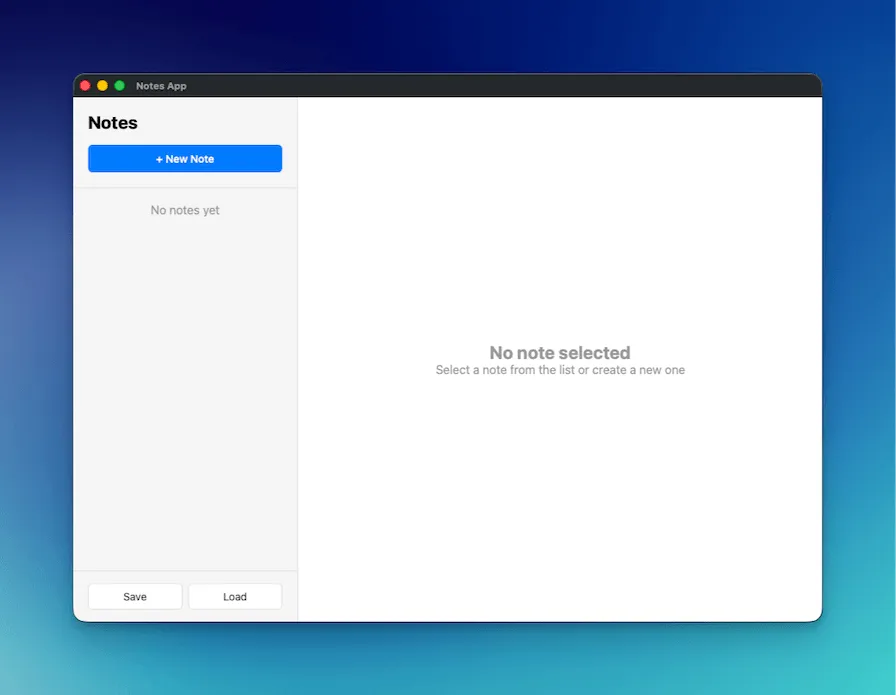
Build an Apple Notes-style application with native file dialogs and auto-save functionality. This tutorial demonstrates desktop-specific features like file operations, native dialogs, and professional UI patterns.
What you’ll learn:
- Native file dialogs (Save, Open, Info)
- JSON-based data persistence
- Debounced auto-save patterns
- Professional two-column desktop layouts
- Working with file system operations in Go
Time to complete: ~30 minutes
Best for: Learning desktop-specific features like file operations and native OS dialogs
Self-Updating Wails App
Section titled “Self-Updating Wails App”Add in-app self-updates to a Wails application from a fresh wails3 init through signed release verification and the helper-mode binary swap. Uses GitHub Releases as the update source.
What you’ll learn:
- How
app.Updaterplugs into a Wails app - Configuring the GitHub Releases provider
- Publishing releases with
SHA256SUMSfor digest verification - Adding Ed25519 signing for tamper-resistance
- Customising the default window via CSS, custom HTML, or BYO
- Periodic background checks with
CheckInterval
Time to complete: ~25 minutes
Best for: Shipping an updateable desktop app — covers the full release pipeline, not just the API